Cardio that actually happens on a desk day
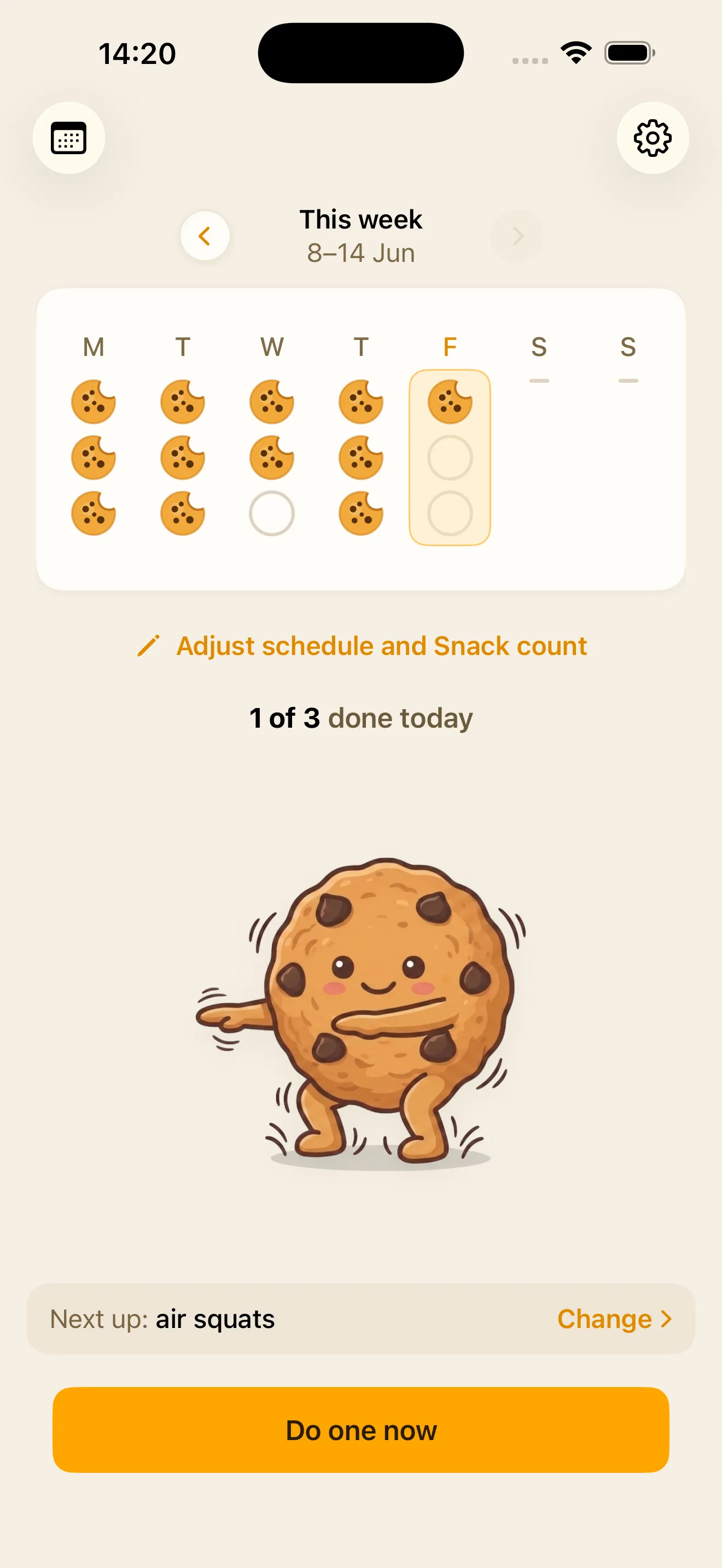
An exercise snack is a short burst of hard activity - 15 to 60 seconds, wherever you are. Exercise Snacks schedules them through your day and counts you through each one.
If a notification isn't enough, it can hold your chosen apps shut until you've done one.
Free to download, free to use. No account.
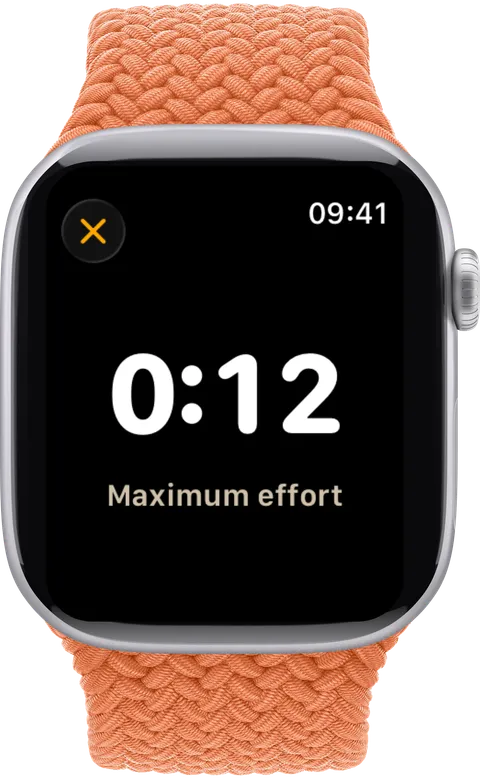
Logged from Apple Watch

How it works
What one snack looks like
You aren't deciding anything in the moment. You chose your moves when you set the app up, and it handles the timing from there - that's the whole point of the schedule.
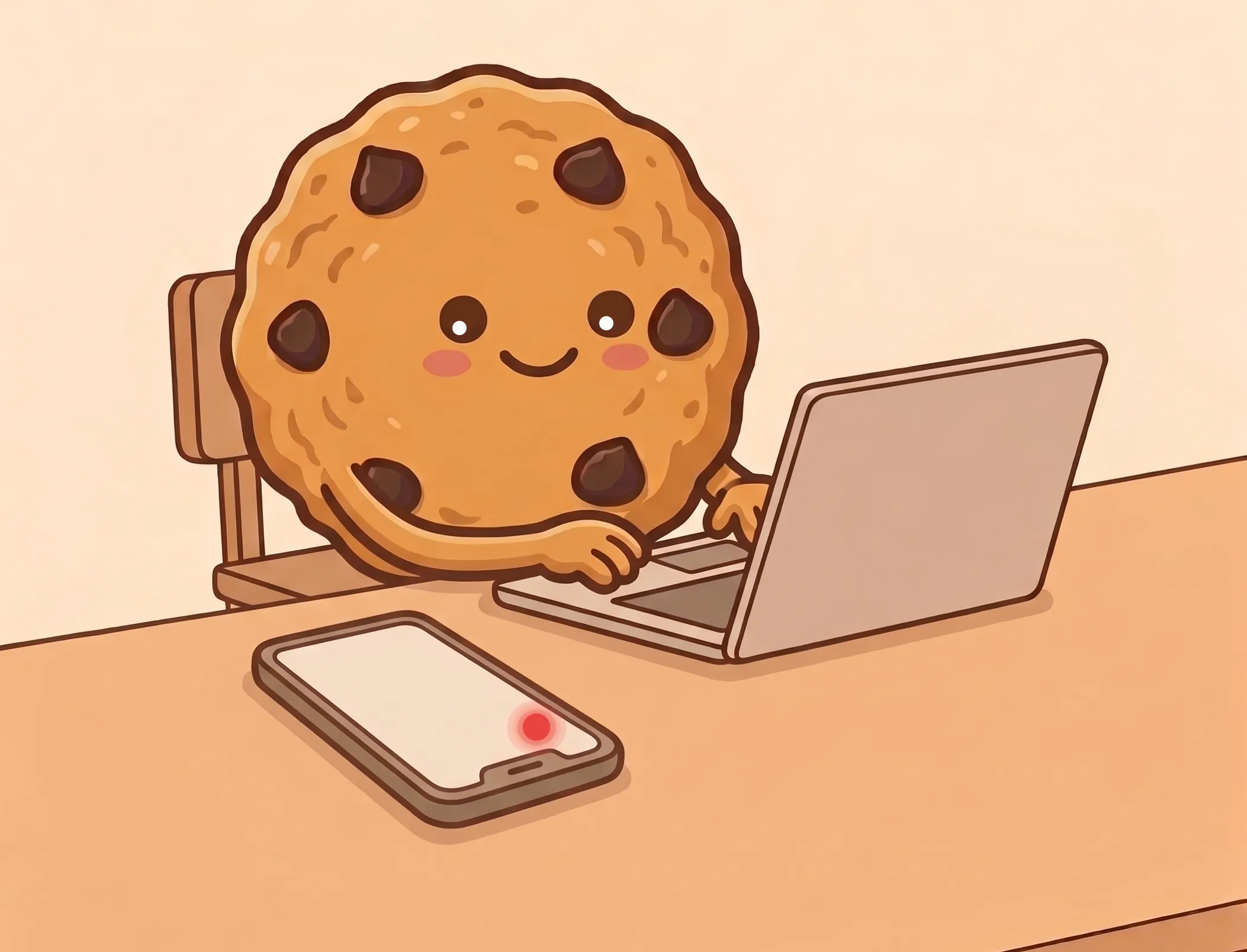
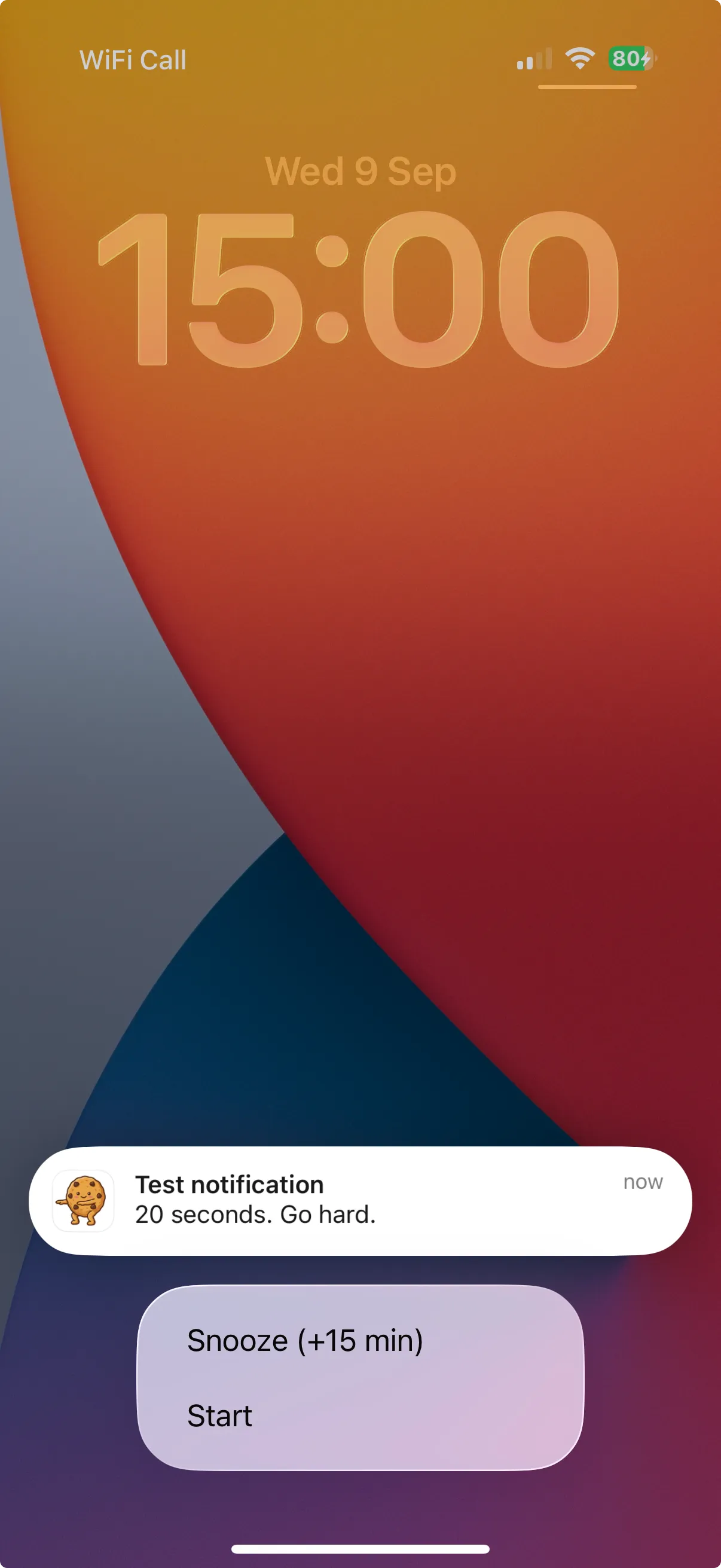
1 · A notification arrives where you already are.
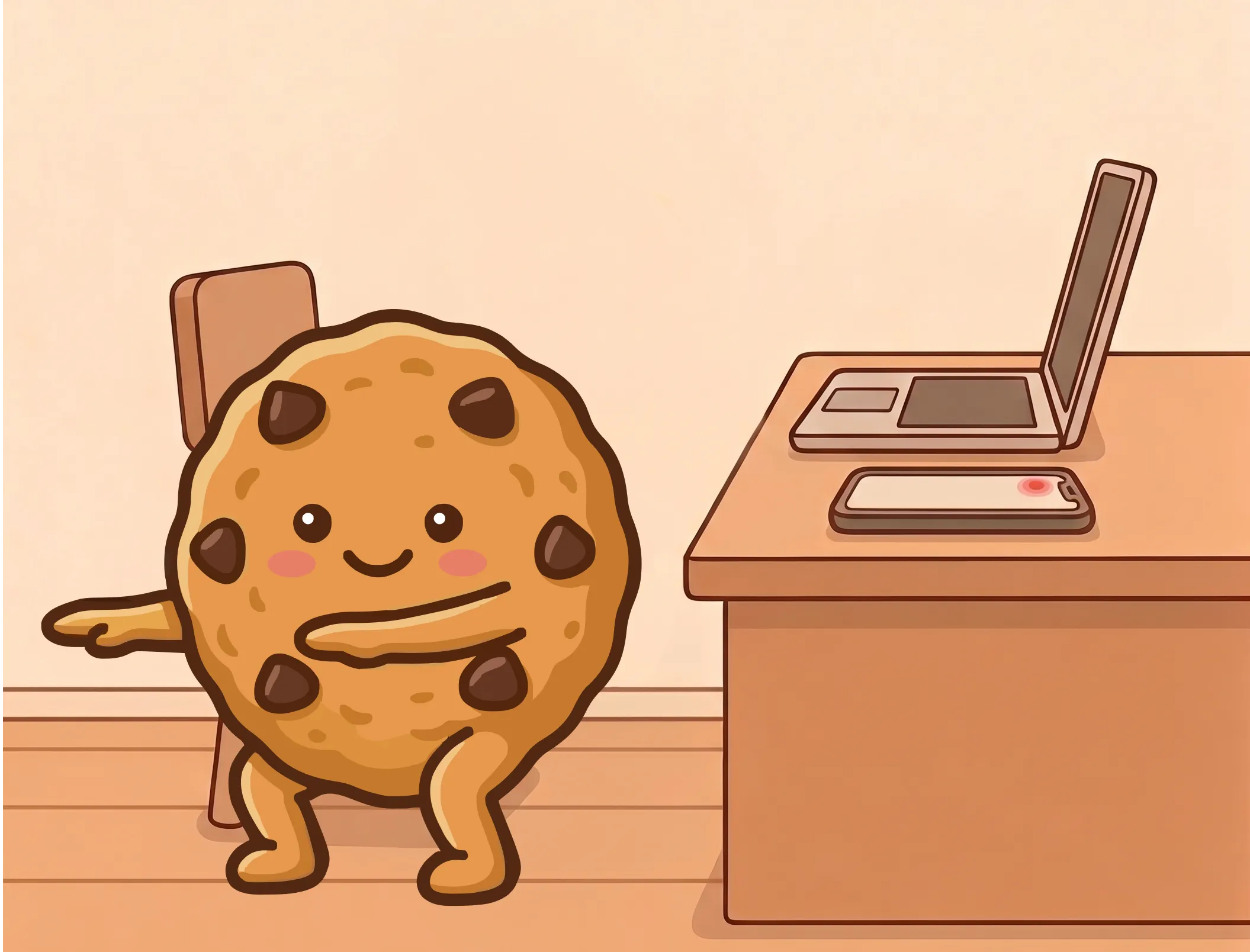
2 · You do the burst. Fifteen to sixty seconds, no equipment.
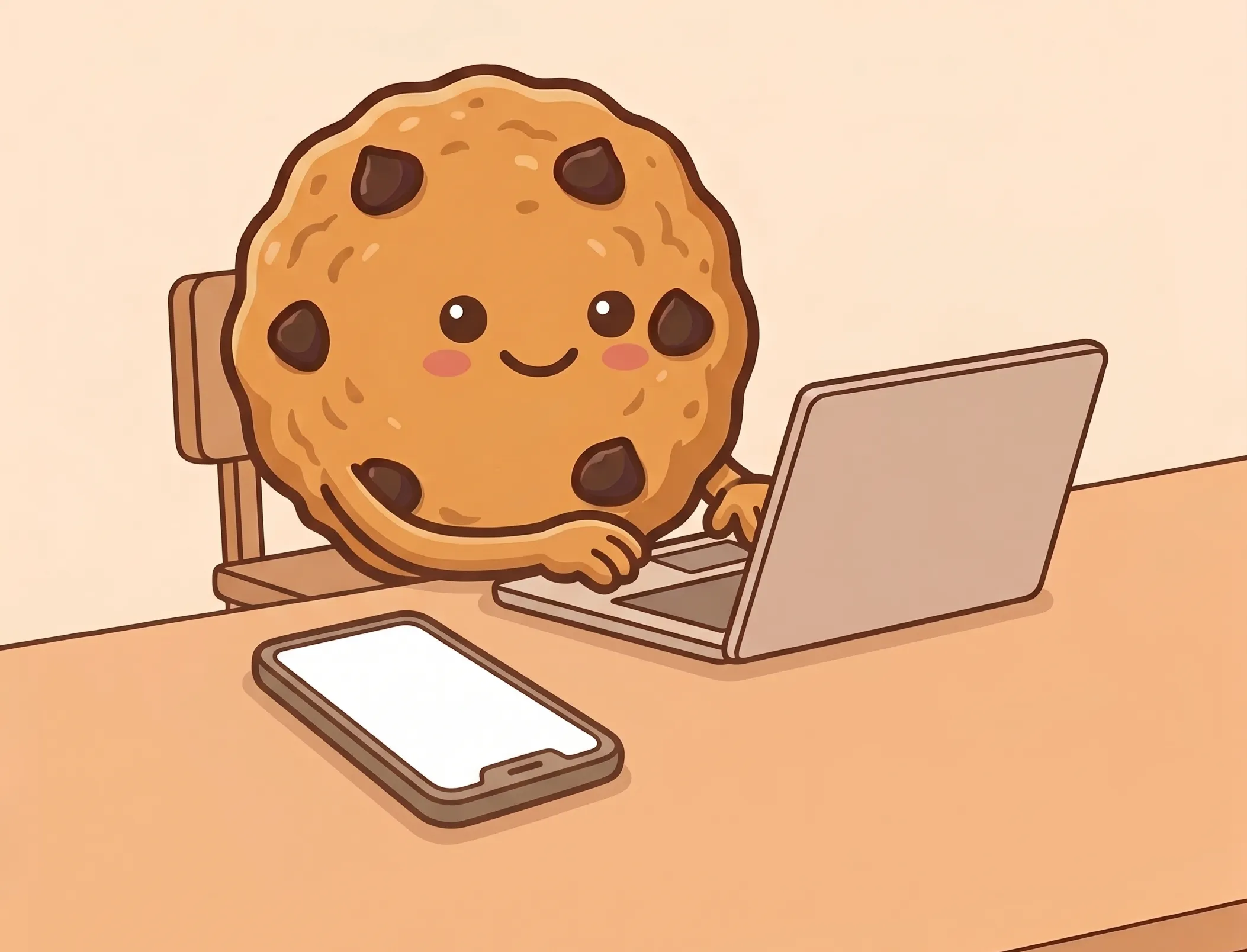
3 · Back to what you were doing.
Snoozing is there because life happens. It pushes the snack back rather than cancelling it, and on Standard blocking it lifts the lock in the meantime.
What you'll do
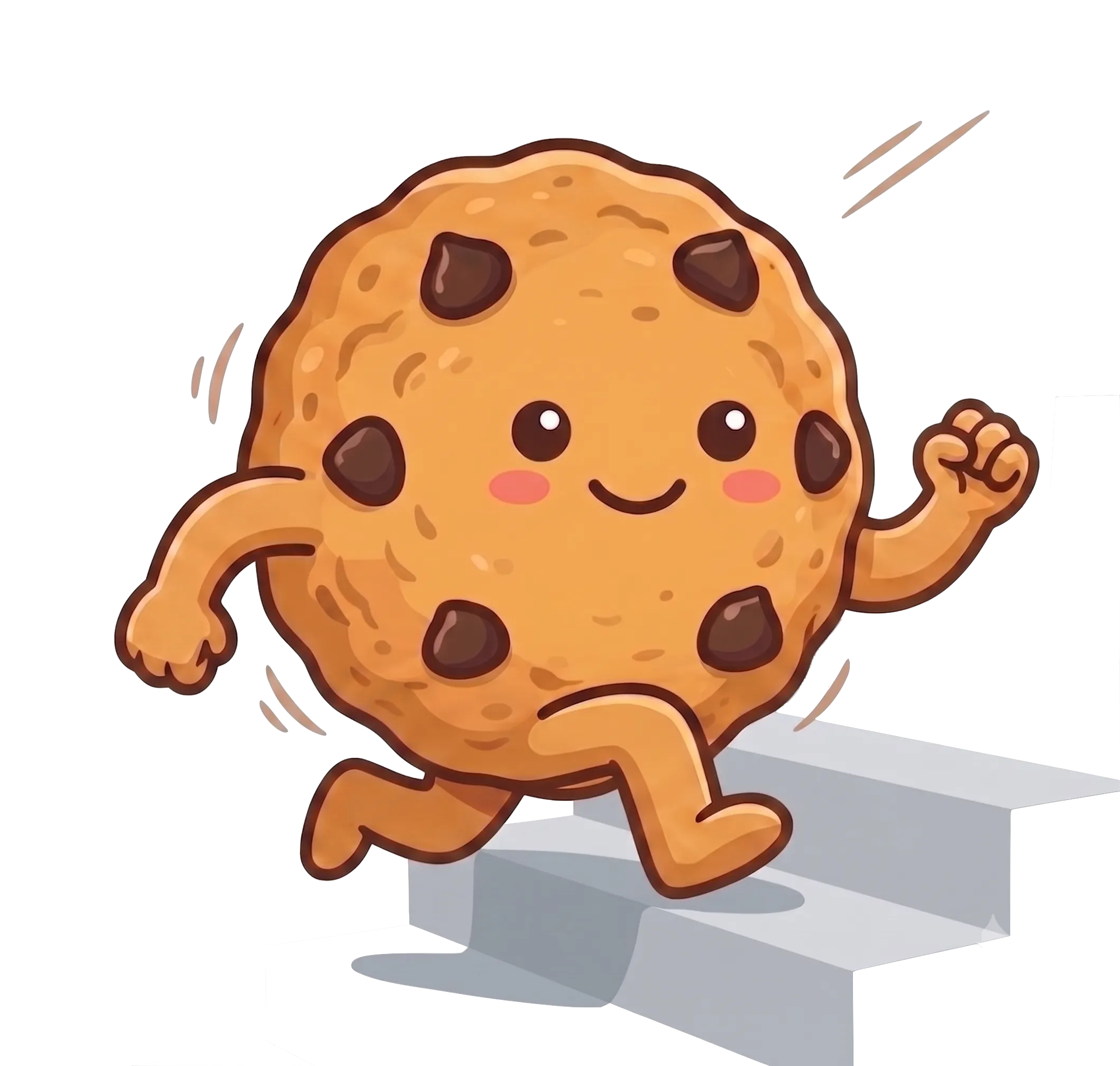
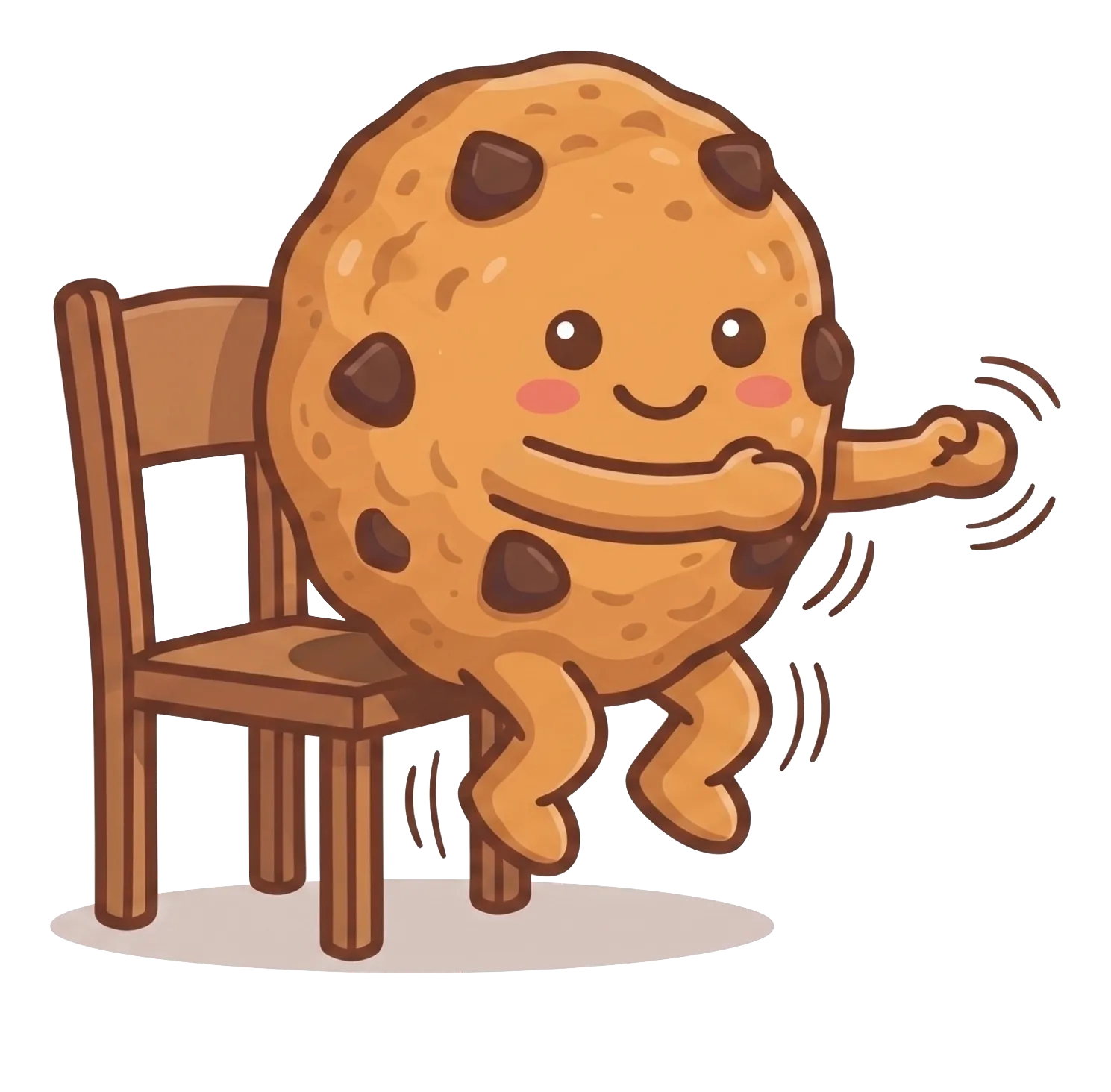
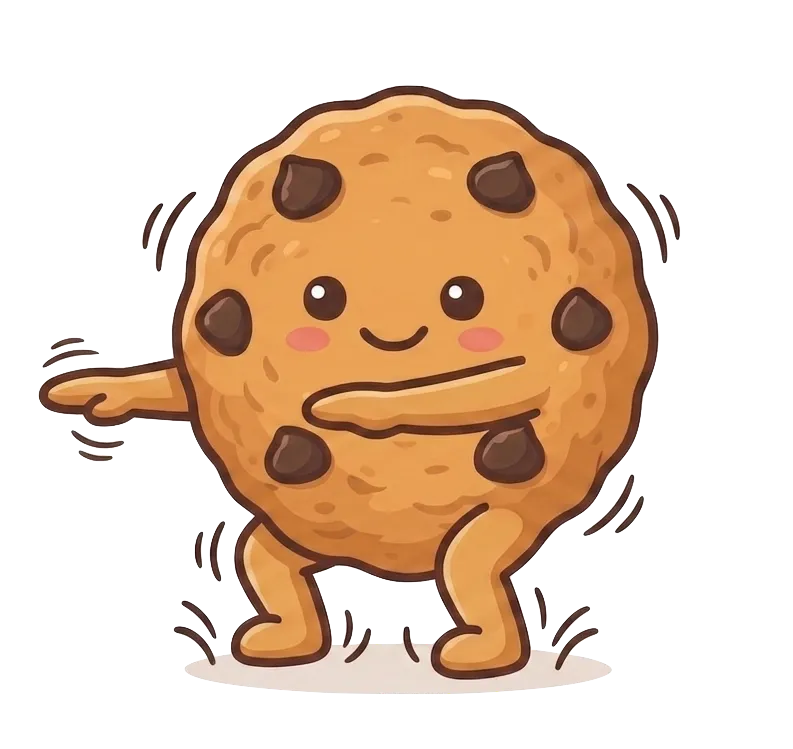
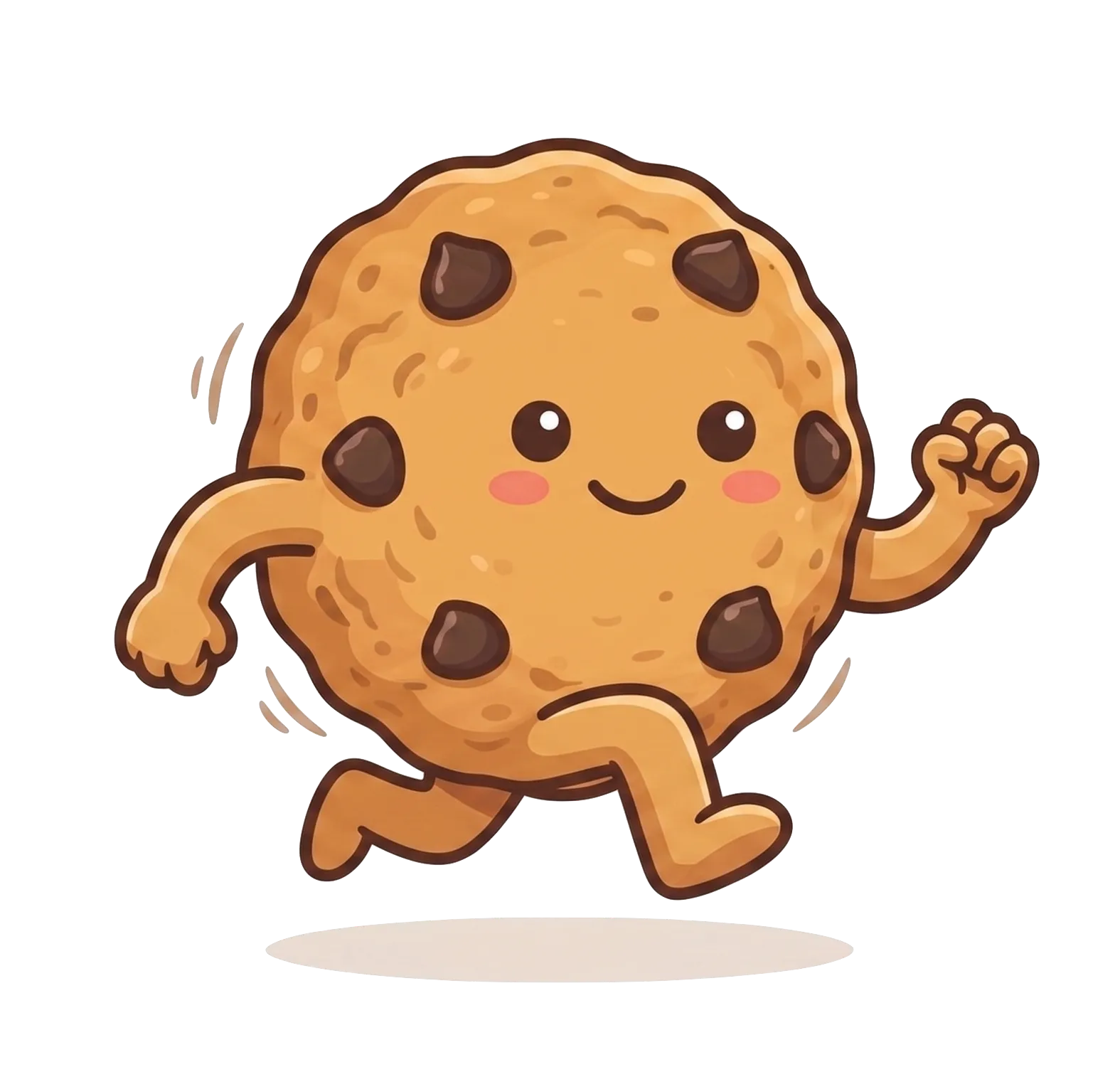
Five core moves
These aren't mobility or strength exercises - it's cardio that elevates your heart rate. Pick one for a snack, or add your own.
On your wrist
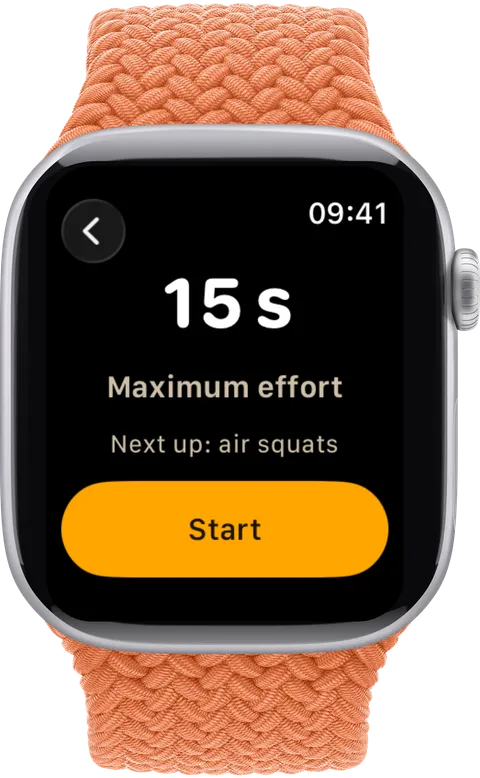
A notification you feel, not one you have to notice
A tap on the wrist reaches you whether your phone is face down, in a bag or in another room. You don't have to be looking at anything.
Then the whole snack runs from your wrist - counted in, counted through, logged. You never pick your phone up, which is usually where the snack dies.
The whole watch app is free.
With your permission it shows your peak heart rate for the effort and saves each snack to Apple Health as a High Intensity Interval Training workout, so it counts towards your rings.

App blocking Pro
How app blocking works
Every reminder app has the same problem: the reminder is easy to dismiss. Exercise Snacks can hold your chosen apps shut until you've done a snack. App blocking is part of Exercise Snacks Pro, the optional subscription; snacks, notifications and the Watch app stay free.
The notification
Your snack is due. You have a window to do it.
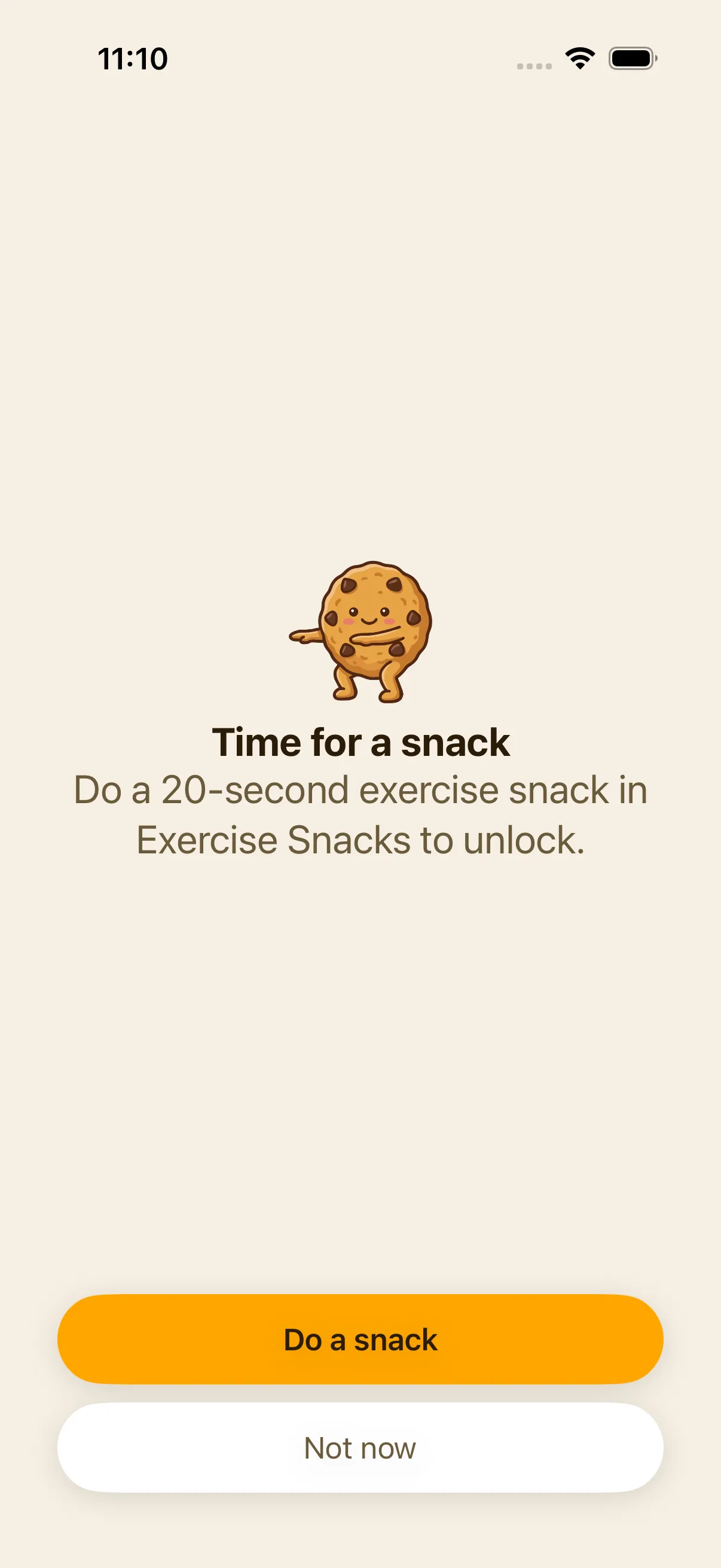
Locked
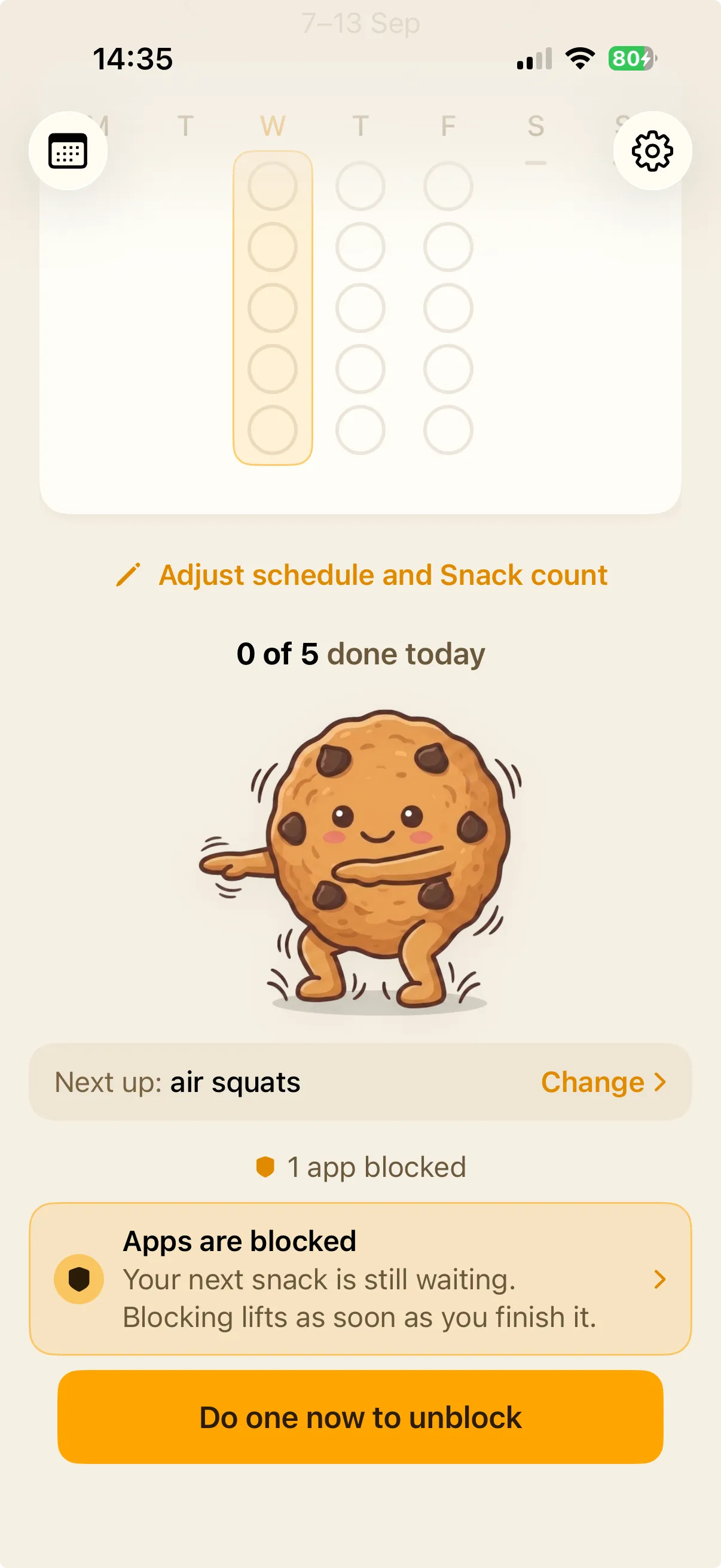
Miss it and your chosen apps hold shut behind the shield.
Unlocked
A strip on the home screen says what's locked and why. Start a snack from there and it opens straight away.
Standard
Ten minutes' grace after the notification, and snoozing the snack lifts the lock.
Strict
Locks the moment the snack is due, takes Snooze away, and holds until the window you committed to has ended.
Permissions and privacy
Screen Time access and notifications both have to be on. If either is switched off later, blocking stops and says so.
You pick the apps in Apple's own picker. We only ever learn how many you chose, never which ones.
Do your first one now
It takes less than a minute. That's the whole commitment.
Free to use, no account. Pro adds app blocking and your full history.
Download on the App StorePrivate by design
Read the privacy policy →Your data stays on your iPhone and Apple Watch - we have no networking code of our own. iOS hands us opaque identifiers for the apps you block, never names or icons, and they never leave your device.
Exercise Snacks involves vigorous physical activity. If you have a heart condition, are pregnant, or have been inactive for a long time, consult your doctor before starting.